How Does HownIt Work? A Step-by-Step Guide
We've had lots of new people discovering HownIt recently, so we thought we'd explain just how simple it is to use!
Think AutoTrader… but for properties!
HownIt is a property advertising platform designed to give homeowners and landlords a simple way to advertise their properties directly to potential buyers and tenants.
Whether you're selling your home or renting out a property, you can create your own listing, manage enquiries and arrange viewings, all in one place.
And the best part? Advertising your property on HownIt is completely FREE!
How to Sell or Rent Your Property on HownIt
Step 1: Create Your Free Account
Head over to www.HownIt.com and create your FREE account.
Once you've registered, you're ready to start advertising your property.
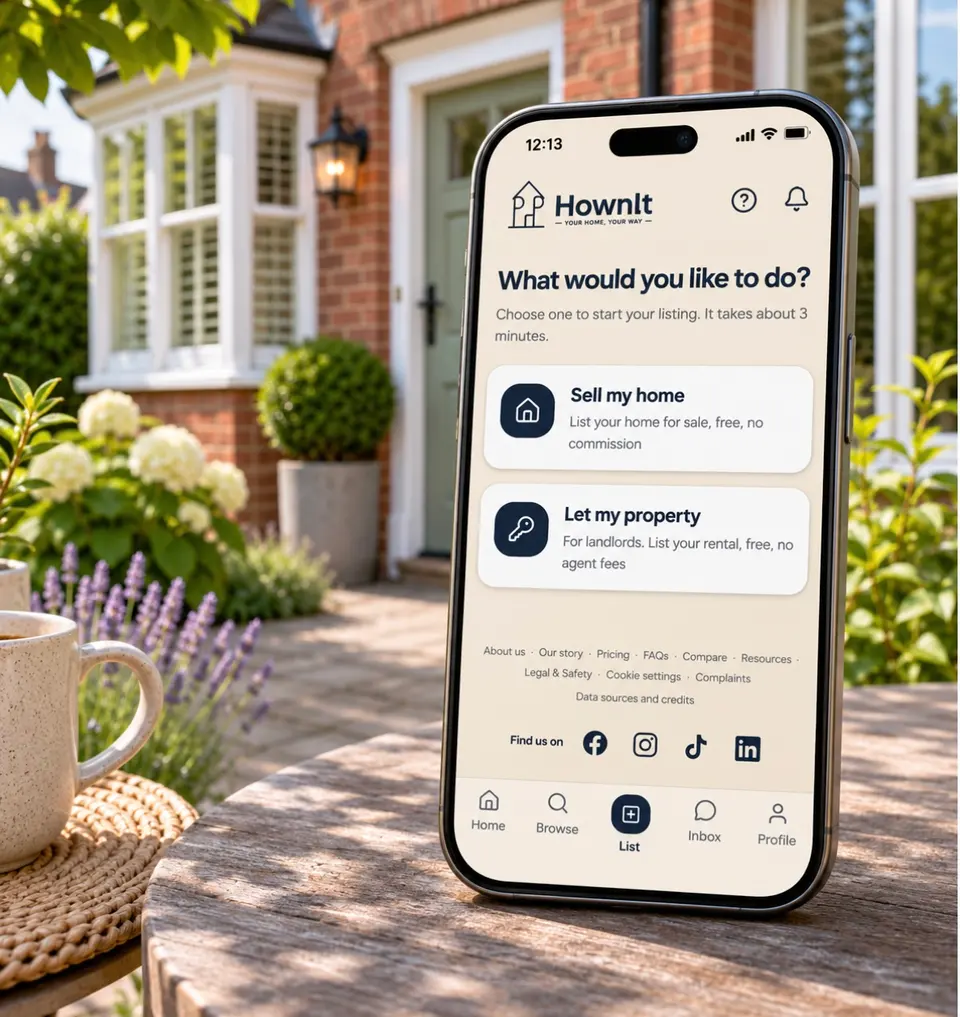
Step 2: Choose Whether You're Selling or Renting
Select the List
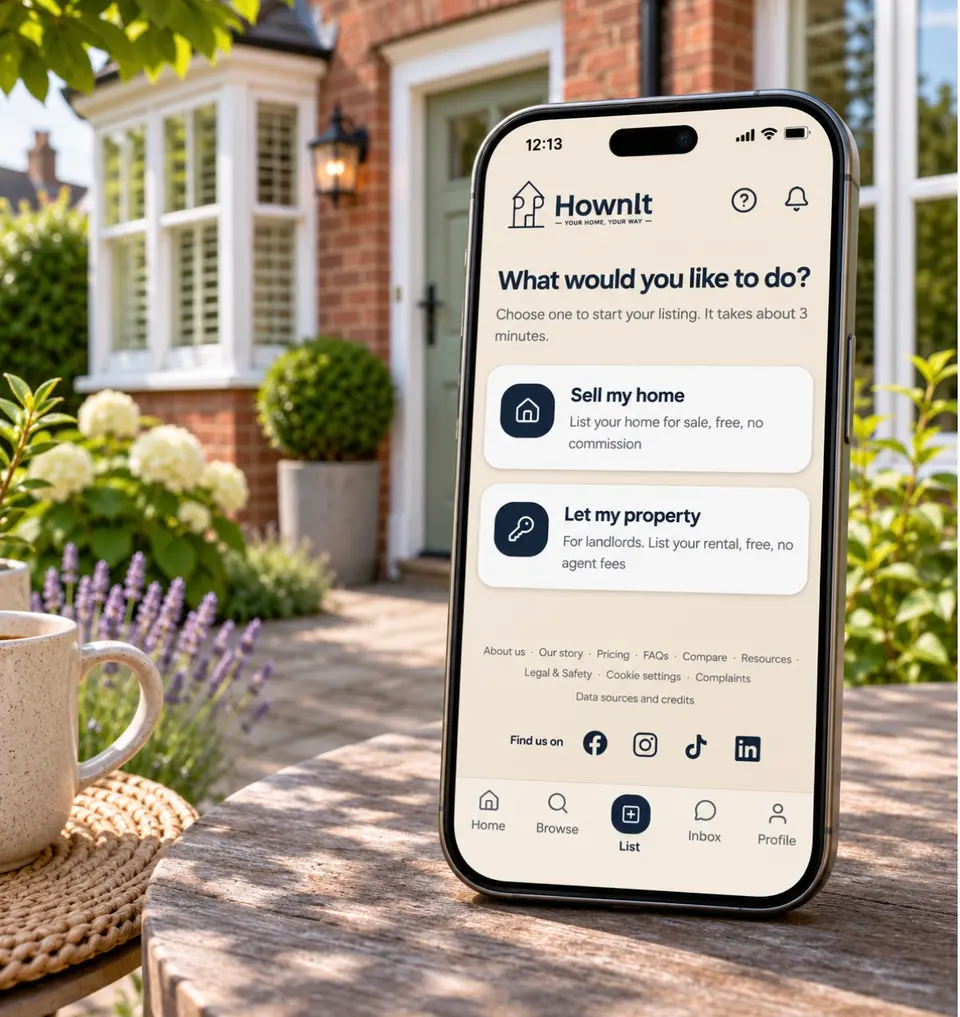
option and choose whether you want to:
- Sell my home – Advertise your property for sale.
- Let my property – Advertise your property for rent.
Step 3: Create Your Property Listing
Upload photographs of your property, add the relevant property details, set your asking price or monthly rental amount and write a description.
Make sure your listing contains clear, accurate information to help potential buyers or tenants understand what your property has to offer.
Step 4: Submit Your Property for Review
Once you're happy with your listing, submit it for review.
When approved, your property will be advertised on HownIt for people to discover.
There are no HownIt advertising fees, contracts or commission charges.
Step 5: Monitor Your Property's Performance
Once your property is live, you can monitor its performance through your very own HownIt seller dashboard.
You'll be able to see:
- How many people have viewed your property.
- How many people have saved your listing.
- How many enquiries you've received.
This allows you to keep track of the interest your property is receiving.
Step 6: Communicate Directly and Arrange Viewings
Interested buyers or tenants can contact you directly through HownIt's built-in messaging system.
You can answer questions, discuss your property and arrange viewings without having to go through HownIt as a middleman.
HownIt also has an interactive viewing calendar, allowing potential buyers or tenants to request dates and times that work for them.
You can accept, decline or suggest an alternative viewing time.
Step 7: Update Your Property's Status
Accepted an offer or found a tenant?
You can update your property's status directly on HownIt to keep your listing accurate and up to date.
If you're selling your property:
Once you've accepted an offer, update your listing to Sold Subject to Contract (Sold STC).
When the sale has officially completed, change the status to Sold.
If you're renting out your property:
Once you've found a tenant and agreed to proceed, update your listing to Let Agreed.
When the tenancy has started and your tenants have moved in, update the status to Let.
This helps other users see whether your property is still available.
Ready to Advertise Your Property?
HownIt was created to give people more choice and control over how they advertise their properties.
Whether you're a homeowner looking to sell or a landlord looking for tenants, you can manage your property advertising directly from your HownIt account.
We're currently welcoming properties across Doncaster and the DN postcode areas, with plans to expand further across the UK.
Ready to get started?
Visit www.HownIt.com, create your FREE account and start advertising your property today. Your home, Your way – HownIt.